Find warm paths to shows
Import your LinkedIn connections and see which people you already know host or guest on podcasts.
Transcript: Warm paths in 15 seconds
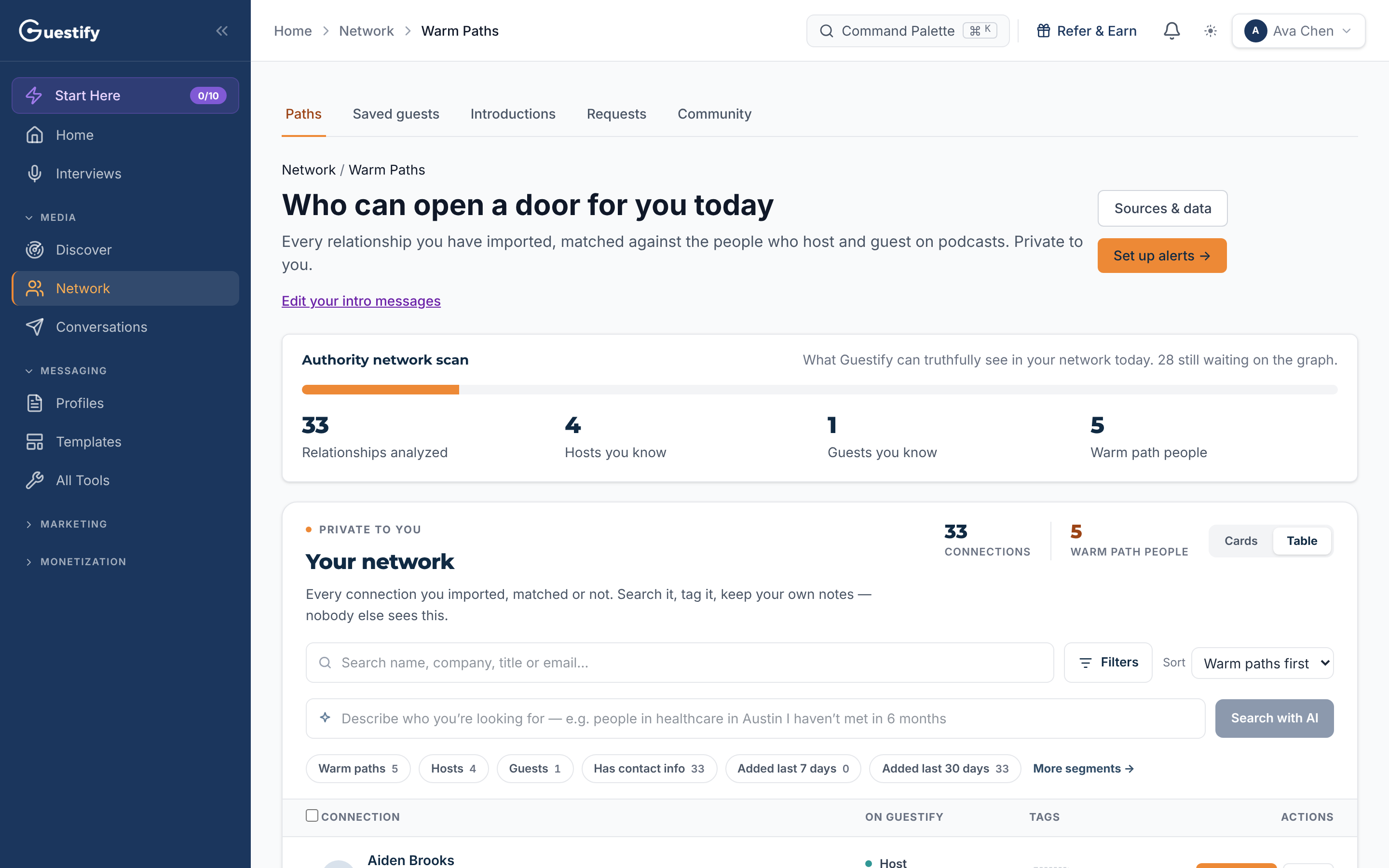
Network shows who can open a door for you. Import your LinkedIn connections, and Guestify matches them against the people who host and guest on podcasts. Here, five connections are warm paths: four hosts and one guest. Your own network stays private to you.
Open Network. The Paths tab answers who can open a door for you today: everyone you've imported, matched against the people who host and guest on podcasts. Your own connections are private to you.
Warm paths aren't included in every plan. If Network isn't in your menu, your plan doesn't include them.
Import your LinkedIn connections
Open Sources & data
On Network › Paths, click Sources & data.
Request your export from LinkedIn
Click Open LinkedIn export page. On LinkedIn's Get a copy of your data page, choose Connections and request the archive. LinkedIn emails you a download link; a connections-only export usually arrives within about 10 minutes.
Upload Connections.csv
Download the archive, unzip it, choose the Connections.csv file under LinkedIn connections CSV, and click Add LinkedIn source.
Matching runs in the background, so you can close the window; you're notified as each source finishes. Importing never messages anyone. Connections that can't be placed yet are kept privately, and checked again as the graph grows.
Agencies
All clients is a summary of every client, so LinkedIn connections are imported inside a client's workspace. Choose the client first.
Read the page
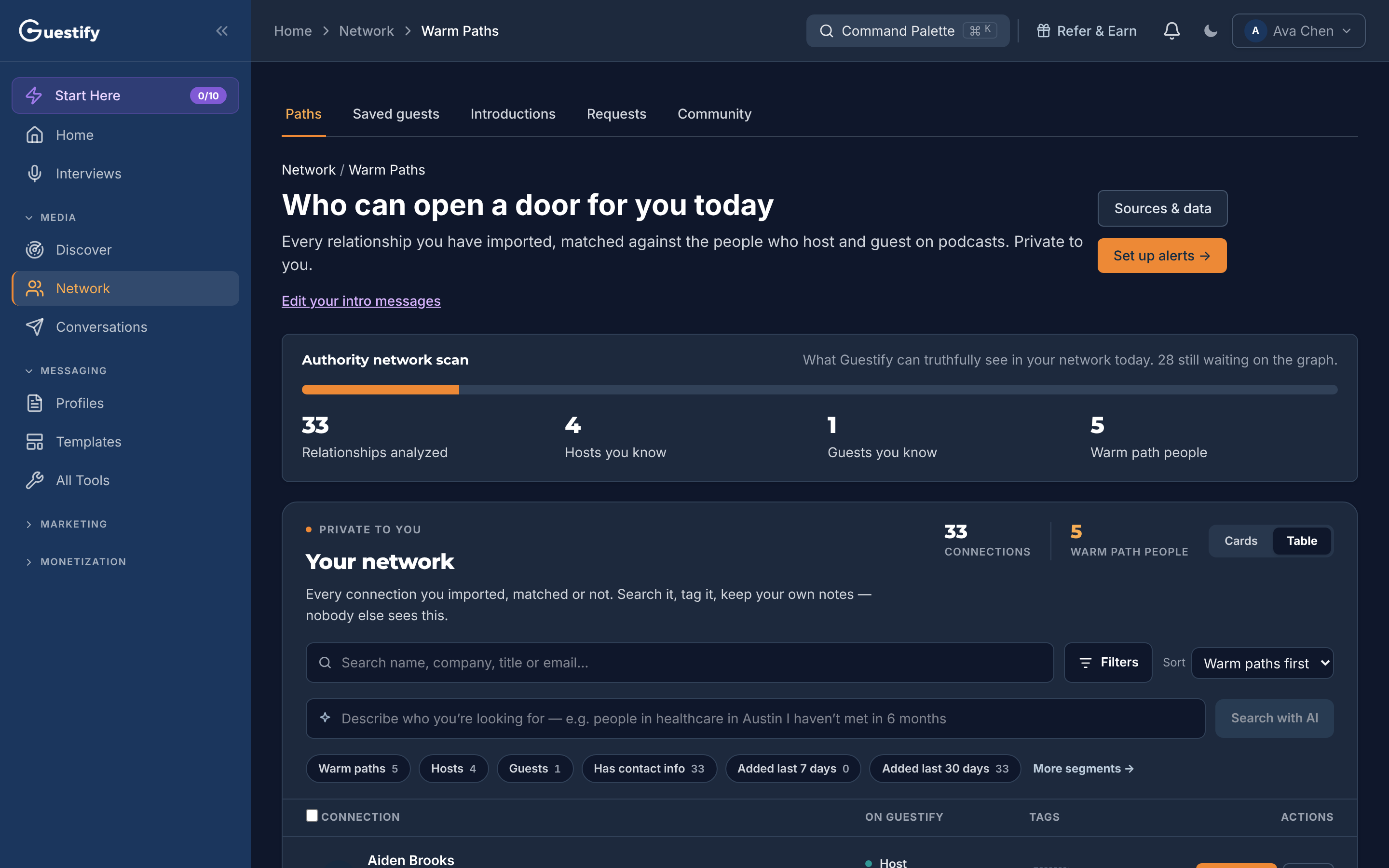
- Authority network scan counts the Relationships analyzed, the Hosts you know, the Guests you know and your Warm path people: the connections who host or guest on a show.
- Your network lists every connection you imported, matched or not. Search it, filter it with the segments (Warm paths, Hosts, Guests and more), sort with Warm paths first, and switch between Cards and Table. Your tags and notes are only yours.
Remove your imported network
Your imported relationships stay so Guestify can keep finding new warm paths. You can remove a source, or your whole imported network, at any time from Sources & data.